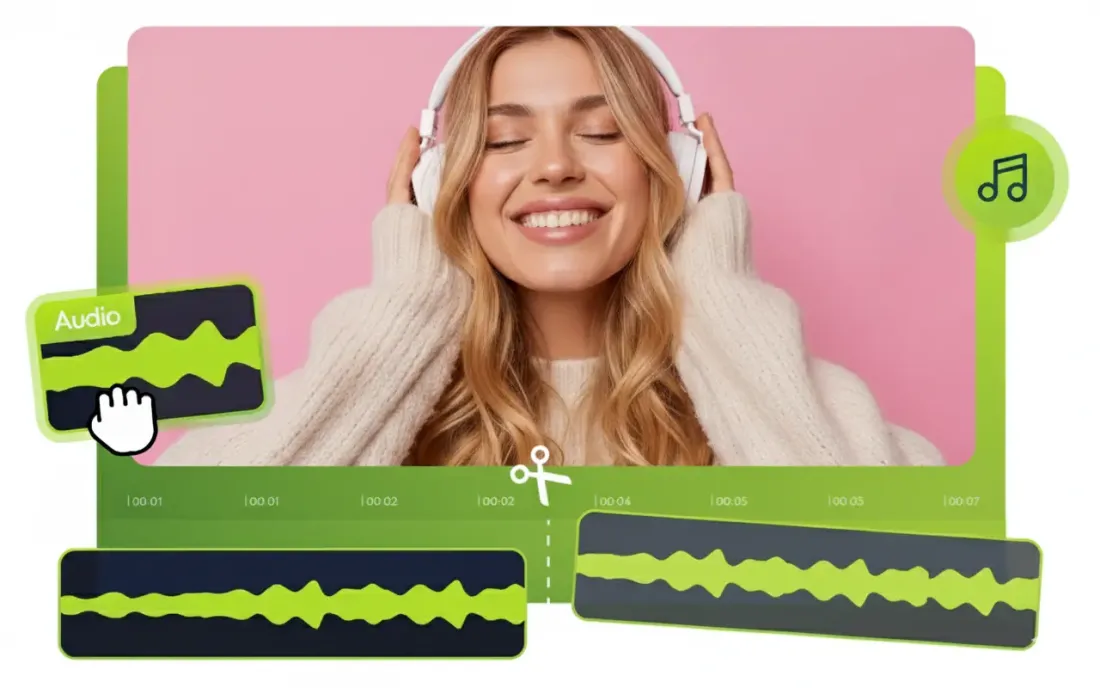
Digital portfolios are now a key mode of displaying talent among student creators, musicians and professionals. Although visuals and written materials usually get most of the focus, sound quality can be significant in the experience of a portfolio too.
A poorly edited recording with long pauses, background noise, or unnecessary sections can distract viewers and reduce the overall impact of the work. It could be a voice-over sample, a podcast clip, a music project or a presentation recording; clean audio contributes to a more professional impression.
Previously, audio quality might be enhanced with the help of complex editing software and technical skills. Today, browser-based tools make the process much easier. With an audio cutter, one is capable of swiftly eliminating undesirable parts, polishing recordings, and making polished audio examples without intricate procedures.
How an Audio Cutter Helps Polish Portfolio Audio Samples
An audio cutter is a basic editing program which enables one to pick, delete and modify certain sections of a sound file. Creators are not required to deal with complicated production software in order to make a quick improvement using the simple online process.
In the case of digital portfolios, it can come in particularly handy when editing audio samples that require emphasising attributes of a recording. As an illustration, musicians may trim a demo track of its redundant parts, voice artists may make shorter samples, and students can enhance recordings of their talks.
An audio cutter assists the user:
- Eliminate lengthy pauses and errors.
- Shorten lengthy recordings
- Concentrate on crucial areas.
- Prepare more attractive and cleaner sound clips.
The refining of recordings prior to their addition to a portfolio allows creators to present their work more professionally and in a more organised manner.
Preparing Professional Audio Samples Without Editing Experience
The common misconceptions among many people when it comes to audio editing are that audio editing needs technical expertise or requires costly software. Professional editing programs are also characterised by features which may overwhelm beginners because they only require the simplest basic improvements.
This is made simple with browser-based editing tools, which are concentrated on the necessary functions. Users can post audio files, edit the files, preview the files and export the outputs without the user having to spend hours acquiring the use the complex controls.
This will render audio editing more accessible to:
- Students building academic portfolios
- Musicians sharing demo tracks
- Content creators preparing samples
- Professionals showcasing presentations or recordings
A streamlined workflow enables creators to concentrate on quality content rather than fretting over technical editing issues.
Why Online Audio Cutters Are Useful for Modern Creators
Contemporary artists tend to be fast and on numerous platforms. They require applications that are flexible without big downloads and complicated configurations.
There are a number of benefits of an online audio cutter to individuals who make digital content.
Faster Editing Process
Producers are able to edit rapidly without having to crack open cumbersome software programs. It comes in handy when creating last-minute updates or modifying a number of audio samples.
Available on All Devices
Since the browser-based tools are online, they enable one to edit audio across various gadgets, such as laptops, tablets and other kits which have an internet connection.
No Software Installation
The use of online tools eliminates downloading, updating, and storage needs. This helps them to be handy to users who may require some infrequent editing.
Simple Learning Curve
The creators do not need to be professionally trained and can easily learn the simplest editing functionality and accomplish their tasks.
To the creators of digital portfolios, these advantages ease the creation of high-quality content at the expense of time and effort.
Common Audio Mistakes That Can Hurt Your Portfolio
Even well written become ineffective with bad sound. Minor editing errors may impact the level of professionalism of a portfolio.
A frequent error is posting lengthy, unedited videos. A portfolio must point out the most powerful moments instead of compelling the viewers to listen to some irrelevant parts.
The other problem is the creation of long pauses, the repetition of sentences, or the errors of the final version. These stops and starts may cause the recording to sound less polished.
Producers also need to consider audio quality. Recordings that are not voluminous, voices that are not clear, and different levels or changes in sound might deprive the viewer of the ability to enjoy the content.
Other mistakes include:
- Using unnecessary background noise
- Choosing audio samples that are too long
- Not reviewing the final clip before publishing
- Uploading the wrong file format
A couple of minutes spent cleaning and perfecting audio can make a big difference as far as the quality of the overall digital portfolio is concerned.
Conclusion
A high qualiHigh-qualityelp make a digital portfolio more compelling, professional and memorable. Be it in the form of music, voice acting, presentations or creative projects, refined recordings enable creators to express their competencies better.
This is now very easy with a browser-based audio cutter that lets users trim away unwanted portions, smooth out audio, and enhance samples without necessarily knowing how to use an advanced editing engine. Using an online audio cutter, creators can fine-tune the work and cut audio samples on the fly in real-time as necessary.
As digital portfolios keep developing, readily available audio editing tools will enable more individuals to produce professional-quality information with minimal effort.

DNS Magazine News Admin shares informative and engaging content covering technology, business, lifestyle, digital marketing, and trending topics. Our goal is to provide readers with useful, reliable, and easy-to-understand information.